
In the first instance, please ensure that you are using the following link: https://lamda.examtrack.co.uk/accounts/sign_in
This link should direct you to the following webpage:
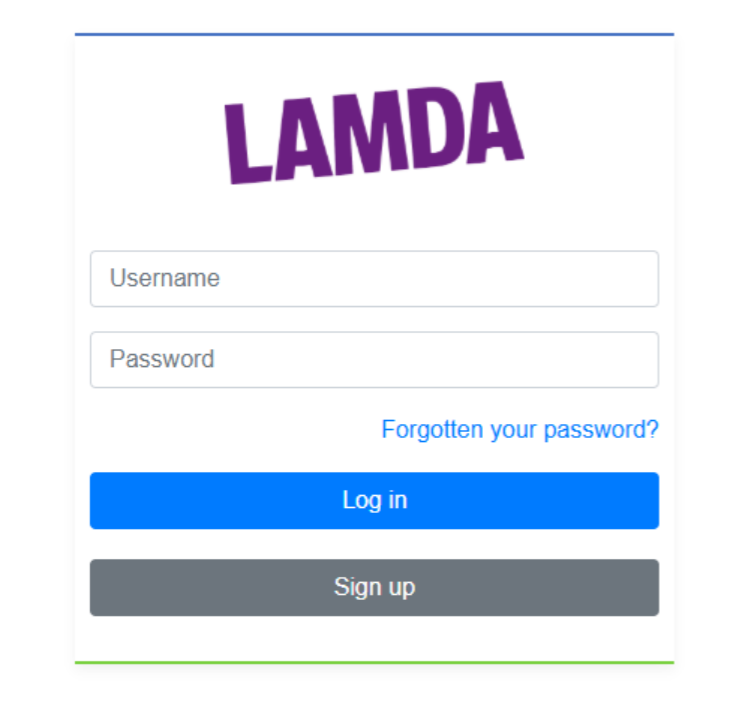
In the "Username" field, please type in the email address you used to register with us.
In the "Password" field, please type in the password you provided when registering.
If your password is not allowing you to login, please follow the instructions outlined in this guidance: What if I forget my password?
If you are, however, still unable to log into your account, despite following these steps, please check that you have confirmed your account by clicking on the orange button included in the confirmation email. This email would have been sent on the day you registered and would have come from donotreply@examtrack.co.uk.
If you cannot find this confirmation email, it may be that you need to create an ExamTrack account. To do this, please consult the following guidance: How do I log into ExamTrack?
If, however, you are certain that you do have an ExamTrack account and still can't access it, please email us at exams@lamda.ac.uk.