
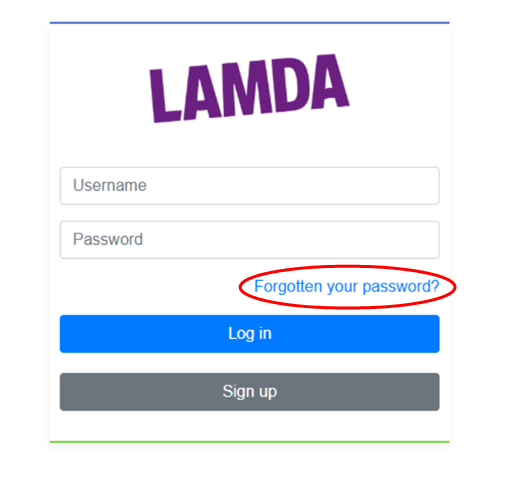
If you have forgotten your password, please click "Forgotten your password?", as per the image below:
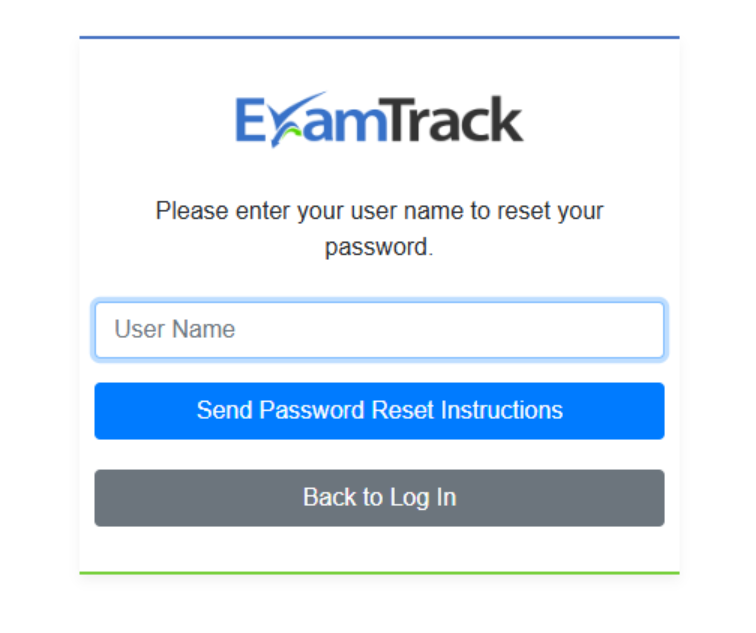
You will then be asked to enter your username, which is the email address you provided when creating your account, and clicking on "Send password reset instructions", as per the image below:
These instructions will be sent to your email address. Please check your spam folder.
If you haven't received an email with these instructions, it may be that you do not have an ExamTrack account. If however you are certain that you do have one, but are not receiving the password reset instructions, please email us at exams@lamda.ac.uk, so that we can assist you further.