
To log into your ExamTrack account, please visit https://lamda.examtrack.co.uk/accounts/sign_in, where you will find the following webpage:
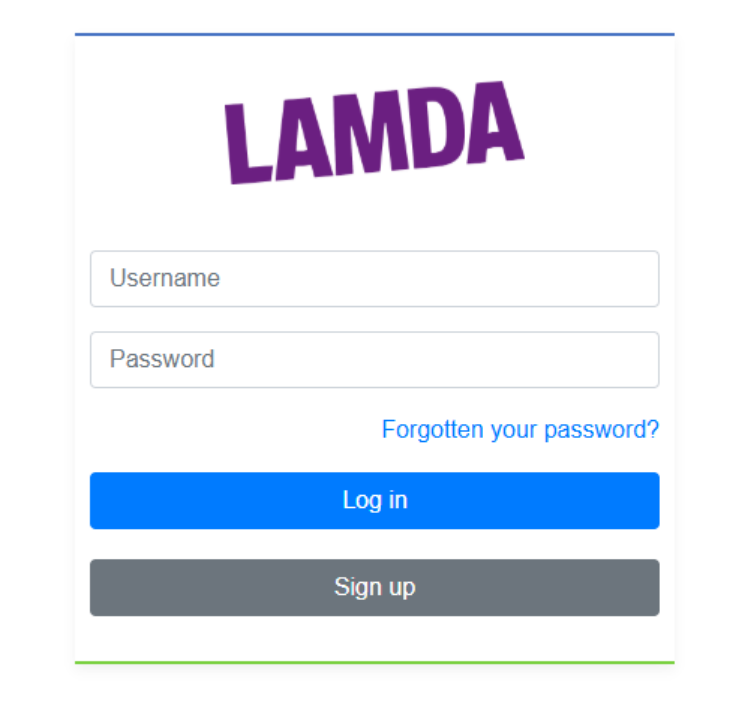
In the "Username" field, please type in the email address you used to register with us.
In the "Password" field, please type in the password you provided when registering.
If you have forgotten your password, please click "Forgotten your password?" and follow the instructions.
If you are experiencing issues with logging into your ExamTrack account, please consult the following guidance: I cannot access my ExamTrack account, what can be done?