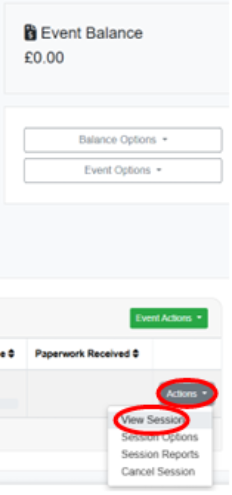
1. Once you are in your event page, please click on the small "Actions" button in the bottom right-hand corner of the page, and click on "View Session":
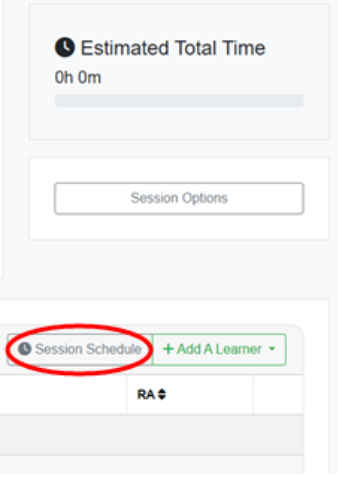
2. Within the session, click on the grey ‘Session Schedule’ button on the right-hand side of the page:
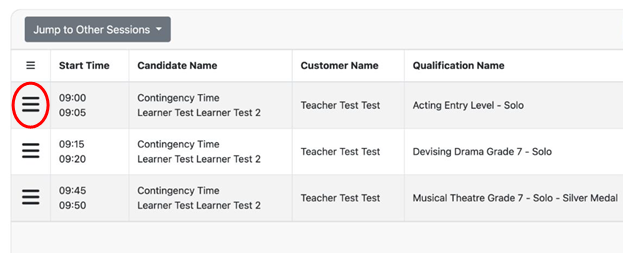
3. To move a Learner's slot within your schedule, click on the horizontal lines at the beginning of the row pertaining to the Learner, then drag and drop the row where needed.