
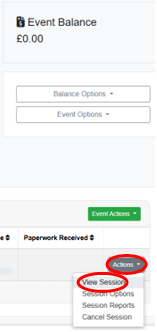
1. Once you are in your event page, please click on the small "Actions" button in the bottom right-hand corner of the page, and click on "View Sessions":
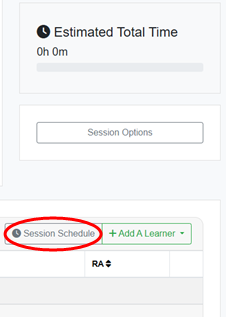
2. Within the session, click on the grey "Session Schedule" button on the right-hand side of the page:
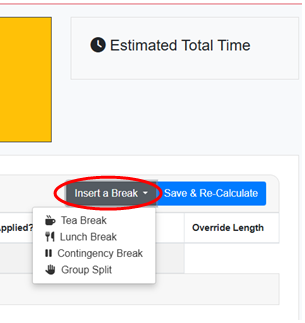
3. Once you have clicked on this, please click on "Insert a Break" and select which type of break you need to apply:
IMPORTANT: As a reminder, Examiners cannot assess for more than 2 hours consecutively without a break.
- For In-Person exams, breaks are entered in the following order: Tea Break (15 Minutes), Lunch Break (1 Hour), Tea Break (15 Minutes).
- For ROA exams, all breaks must be 30 Minutes.